
Yes, you can automate a legacy system without an API
Most organisations running closed or legacy core systems already know that waiting for a proper integration can mean waiting indefinitely. The platform vendor is not prioritising your use case. The middleware project is stuck in procurement. The API that exists on paper does not expose the objects you actually need.
That is the real problem this piece addresses. Not whether AI is clever enough to handle legacy systems in theory, but how automation can be designed to sit on top of a system that was never built to integrate, using the same surfaces a human operator already uses every day.
The three building blocks are document intelligence, UI-layer automation, and orchestration with validation controls. The rest of this guide explains how each works, when to use them, and how to judge whether your specific environment and process are tractable enough to start.
Why do legacy systems block automation?
The frustration is rarely that automation is technically impossible. It is that the standard integration routes are unavailable, unreliable, or commercially impractical. There are four blockers that come up consistently:
- No modern integration surface. Many legacy core platforms, particularly in financial services, insurance, and legal, were built before APIs were a standard expectation. They expose no REST or SOAP interface, no event stream, and no structured data export that a modern automation layer can consume directly.
- An API that exists on paper but fails in practice. This is more common than vendors would like to admit. A case management system at a law firm might document API endpoints for client records, but those endpoints may lack the permissions, object coverage, or reliability needed to support an automated workflow. The API exists; the usable integration does not.
- Closed platform architecture. Core banking platforms, specialist compliance tools, and older ERP systems are often deliberately closed. Vendors prioritise stability and certification over extensibility. Customisation and integration are either locked behind expensive professional services agreements or simply not supported.
- The trap of waiting. The practical mistake many IT and operations teams make is treating integration as a prerequisite rather than one option among several. Projects stall waiting for a vendor roadmap item, a middleware build, or an API upgrade that keeps moving to the next release cycle.
The result is that real work, high-volume, document-heavy, operationally critical work, continues to be handled manually by people navigating the same screens every day. That is the gap no-API automation is designed to close.
How can AI work with a system that has no API?
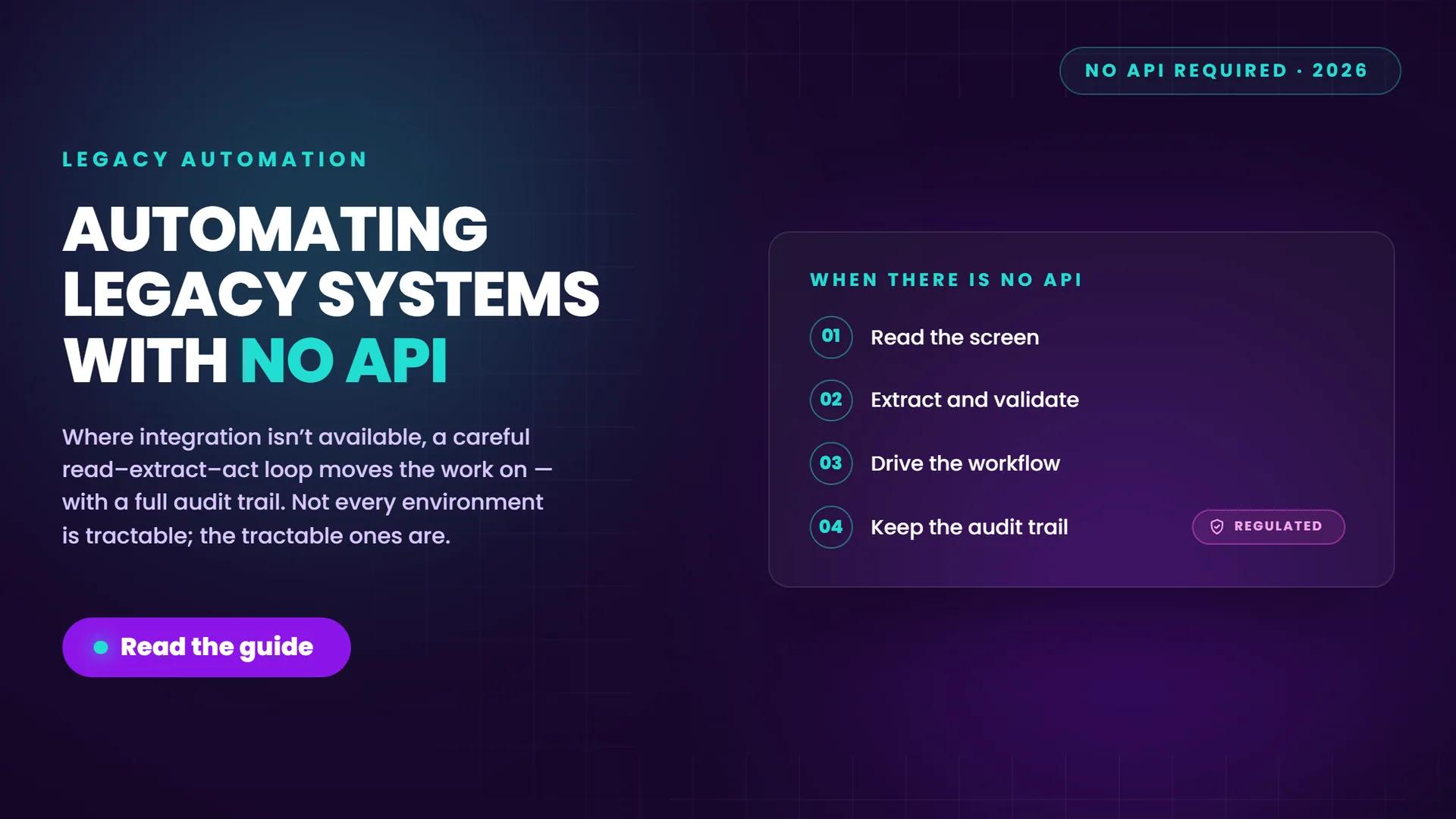
The practical answer is to treat the system the way a human operator treats it: read what is visible on screen, extract meaning from documents, make a decision based on defined rules, and act through the interface itself.
This is not a workaround or a compromise. It is a deliberate design pattern that works because the same surfaces a human uses are available to an automation layer, provided the right combination of techniques is applied.
Here is how the layers work in sequence:
- Read the document or screen. Document AI handles inbound files, forms, letters, and scanned attachments. Where documents are structured or semi-structured, optical character recognition (OCR) extracts field-level data. Where documents are unstructured or variable in layout, intelligent character recognition (ICR) and broader document AI models classify, extract, and validate the content before it moves downstream. This is materially different from basic OCR, which reads text but cannot interpret context, handle variation, or flag anomalies.
- Understand the data. Extracted values are validated against business rules, cross-referenced against existing records, and checked for confidence. Anything below a defined threshold is routed for human review rather than passed forward automatically.
- Navigate the application. UI-layer automation drives the legacy system through its existing interface. Where the application exposes accessibility metadata, selectors can target specific fields and controls. Where it does not, fallback methods including image recognition, on-screen text detection, keyboard shortcuts, and timed waits can replicate what an operator would do manually.
- Orchestrate the workflow. Orchestration sits above both layers. It manages the sequence of steps, triggers validations, routes exceptions to the right queue or person, and maintains a state record of every action taken.
A building society running a closed core banking platform with no integration surface used this pattern to automate a back-office data entry process that had previously required three members of staff to handle manually. The system was never touched at the platform level. The automation read inbound documents, validated the extracted data, and drove the entry through the same screens the team had always used.
What are the techniques, and when does each fit?
The choice between document AI, UI automation, and orchestration is not a vendor decision. It is a process design decision, and the right answer depends on where the friction is.
| Technique | Best fit | Practical limits | Typical role in the stack |
|---|---|---|---|
| Document AI and OCR/ICR | Document-heavy processes with inbound forms, letters, attachments, or scanned files | Accuracy drops on very poor scan quality or highly variable layouts; needs confidence threshold configuration | Ingestion and extraction layer; feeds structured data into downstream steps |
| UI-layer automation | Processes where work already flows through stable screens, fixed fields, and repeatable navigation | Brittle when interfaces change frequently or unpredictably; requires baseline interface stability | Execution layer; drives the legacy application through its existing interface |
| Workflow orchestration | Multi-step processes crossing documents, business rules, inboxes, and one or more applications | Requires clear process definition up front; exception paths must be mapped before build | Control layer; sequences steps, routes exceptions, maintains audit state |
In practice, most viable no-API automation designs use all three. Document AI handles inbound content. UI automation handles the application interaction. Orchestration manages the process flow, exception routing, and audit logging.
The factors that should drive design choices are:
- Volume. Higher volume justifies more investment in accuracy tuning and exception path design.
- Variation. Higher document or input variation shifts weight toward AI-based extraction rather than template-based OCR.
- Exception profile. Processes with frequent edge cases need explicit exception routing, not silent pass-through.
- Control requirements. Regulated environments need named process boundaries, approval checkpoints, and complete audit trails regardless of automation approach.
A law firm whose case management system nominally offered API support found that the endpoints available did not cover the objects needed for their matter intake process. The practical solution was UI-layer automation combined with document AI for inbound correspondence, orchestrated through a rules layer that routed non-standard matters to a fee earner before any action was taken on the system.
How is this different from RPA or screen scraping?
Classic robotic process automation and screen scraping both work at the UI layer, but they rely on rules and fixed patterns. The distinction matters because it determines where each approach breaks down.
Where rules-based automation is strong:
- Highly predictable inputs with consistent structure
- Stable application interfaces that do not change between releases
- Processes where every exception is already defined and mapped
- High-volume, low-variation work where speed and throughput are the primary goal
Where it becomes brittle:
- Documents that vary in layout, quality, or language across suppliers or customers
- Application interfaces that change with software updates or configuration changes
- Processes with a meaningful proportion of exceptions that fall outside the defined rule set
- Environments where the cost of a silent failure is high, such as regulated data processing
AI-based document extraction and UI automation handle variation differently. Rather than failing when an input does not match a template, a well-configured document AI model classifies the input, extracts what it can at a defined confidence level, and routes anything uncertain for human review. That tolerance for variation is the practical difference.
In most real deployments, rules-based automation and AI are used together rather than as alternatives. Rules handle the high-volume predictable path. AI handles variation, classification, and exception detection. Orchestration manages the handoffs between them.
For a fuller breakdown of how RPA, AI agents, and orchestration relate to each other at a strategic level, the AI agents for workflow automation guide on this site covers the conceptual framework in detail. This piece focuses on the practical implementation layer.
What about accuracy, validation and control?
This is the section that matters most in regulated environments, and it is often the one that gets the least attention in vendor-led conversations about automation.
Accuracy in no-API automation is not binary. It is managed through a set of controls that determine what gets automated, what gets reviewed, and what gets escalated. The checklist below reflects what a well-designed implementation should include:
- Confidence thresholds defined per field. Extracted values should carry a confidence score. Anything below the defined threshold for that field type is flagged for review rather than passed forward.
- Field-level validation against business rules. Extracted data should be checked against known formats, permitted values, or cross-referenced records before any action is taken.
- Exception routing to named queues. Low-confidence extractions, rule failures, and unexpected inputs should route to a human review queue with full context attached, not disappear silently.
- Immutable audit logging. Every action taken by the automation, including what was read, what was extracted, what decision was made, and what was written to the system, should be logged with timestamps and process identifiers.
- Least-privilege access. The automation should operate with the minimum permissions needed for the specific process, not a broad service account that could affect unrelated records.
- Named process boundaries. The scope of the automation should be explicitly defined, with clear entry and exit conditions, so that any drift from expected behaviour is detectable.
For firms operating under FCA rules or Consumer Duty obligations, the audit trail and exception routing are not optional enhancements. They are the mechanism by which you demonstrate that automated decisions affecting customers or regulated data were made under appropriate controls. Designing these in from the start is considerably less costly than retrofitting them after a process has gone live.
The process-specific AI automation context on this site covers the governance and oversight framing in more detail for firms navigating the strategic layer of this question.
Which legacy processes are the best candidates?
Not every process that runs on a legacy system is a good candidate for no-API automation. The best starting point is a process that is already well-understood, high-volume, and structured enough to define a clear beginning and end.
Good fit:
- Data extraction and entry from inbound documents into the legacy system (forms, applications, correspondence)
- Validation of extracted values against business rules or existing records
- Reconciliation of data across two or more systems where a human currently does the comparison manually
- Moving information between systems where no direct integration exists
- Status updates or record amendments triggered by a document or an event in another system
Poor fit for a first use case:
- Highly judgement-led work where the decision criteria are not consistently defined
- Processes with volatile interfaces that change frequently with software releases
- Work with no clear exception path or no named owner for escalated items
- Processes where ownership is unclear or where multiple teams have conflicting views on the correct outcome
Bold callout: A bounded first use case beats a broad transformation ambition. One well-designed process with clear success metrics creates the evidence base, the operational confidence, and the governance model that makes the next process easier to justify and faster to build.
The value of starting small is not just speed. It is that a single bounded process exposes the real exception profile, the actual document quality, and the true interface stability of the environment before you have committed significant resource to a wider programme.
Where to start, and what to check first
Before choosing a tool or a vendor, check whether the environment and the process are tractable. These are the questions that determine whether a no-API automation project is viable, and how much design effort it will require.
- Check interface stability. How often does the legacy application's UI change? Frequent releases with layout changes significantly increase maintenance overhead for UI-layer automation.
- Check field consistency. Are the fields you need to read and write to in fixed, predictable locations? Variable field positions or dynamically generated screens require more sophisticated targeting methods.
- Check document quality. If the process involves inbound documents, what is the scan quality, format range, and layout variation? Poor scan quality and high layout variation increase extraction error rates.
- Map the exception profile. What percentage of cases fall outside the standard path? A process where 30% of cases require judgement is a very different design challenge from one where 5% do.
- Confirm operational ownership. Who owns the process, who owns the exception queue, and who is accountable for the automation's output? Automation without a named owner for exceptions is not a controlled process.
- Define success metrics before you build. What does good look like? Straight-through processing rate, exception rate, average handling time, and error rate should all be defined in advance, not inferred after go-live.
The practical starting point is to map one bounded process end to end, including triggers, decision points, validation steps, exception paths, and handoffs, before selecting any technology. That mapping exercise is the most valuable thing you can do before committing to a build.
This is not a platform modernisation project. It is automation on top of the system you already have, designed to run within the constraints of that environment. Keeping that framing clear prevents scope from expanding in directions the legacy platform cannot support.
If you are at the mapping stage, the Fortay Connect automation whitepaper sets out a structured approach to scoping and framing the discovery phase, including the questions to ask before any tooling decision is made.
Next steps
No-API automation is a practical route for regulated firms running closed or legacy core systems. The limiting factor is rarely the technology. It is whether the process is tractable, whether the exception path is designed, and whether the controls are in place to make it governable.
The firms that get this right treat it as bounded process engineering rather than a platform transformation. They start with one well-defined workflow, validate the approach under real conditions, and build the evidence base before expanding scope.
- Download the Fortay Connect automation whitepaper to frame the discovery and scoping phase, including the tractability questions to work through before any tooling decision.
- Ready to assess a live workflow? A process discovery session maps one specific process end to end, identifies the exception profile and control requirements, and gives you a clear view of feasibility before any build commitment. Get in touch to arrange one.
Frequently asked questions
Can AI automate a system that has no API?
Yes. AI can read screens and documents the way a human operator does, extract structured data from unstructured inputs, and drive actions through the existing application interface. The approach does not require an API or any changes to the underlying platform. What it does require is a process that is stable enough to automate, with a defined exception path and appropriate validation controls.
Which legacy processes are the best candidates for no-API automation?
High-volume, document-heavy processes with a clear start and end state are the strongest candidates. Data extraction and entry, validation against business rules, reconciliation across systems, and status updates triggered by documents or events all fit this profile. Processes that are highly judgement-led, have volatile interfaces, or lack a named owner for exceptions are poor candidates for a first use case.
How is AI-based legacy automation different from RPA or screen scraping?
Rules-based automation and screen scraping work well on highly predictable, stable inputs. They become brittle when documents vary in layout, when application interfaces change, or when exceptions fall outside the defined rule set. AI handles variation differently: it classifies inputs, extracts data at a defined confidence level, and routes uncertain cases for human review rather than failing silently. In practice, the two approaches are often used together, with rules handling the predictable path and AI handling variation and exception detection.